 ®
01
START WITH THE MAP
Put the pin on the exact spot.
Find the right point on the satellite map. It might be the entrance to a field, the correct gate, a hidden driveway or a meeting point.
Not merely the centre of a postcode.
A postcode gets people close. PostcodePlus shows them the exact entrance, gate or spot you actually mean — with a pin, three extra letters, and a link that's easy to share.
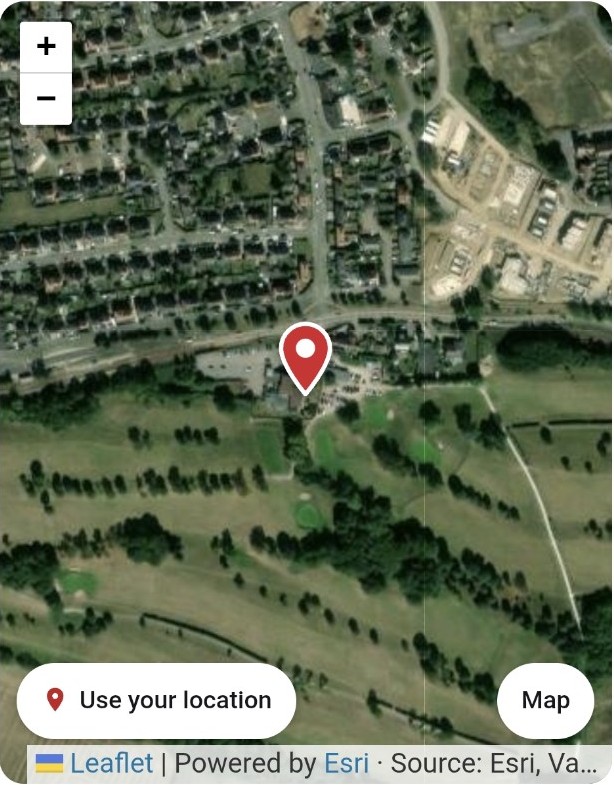
Satellite image: Powered by Esri · Imagery: Esri and its providers
Scroll through the journey. The demonstration changes with every step, just as it does when someone creates their own code.
Find the right point on the satellite map. It might be the entrance to a field, the correct gate, a hidden driveway or a meeting point.
Keep your familiar postcode and choose a unique three-letter ending. Pick letters that mean something to you or have a combination suggested.
Give your location a name and add simple instructions if they're useful. “Second entrance on the right” can make all the difference.
Include up to five images of the entrance, landmark or route, each with a few words to help someone recognise what they're looking for.
You can add an address, telephone number or email, but you don't have to. Only include information you're comfortable making visible to people with the link.
Your code has its own page and a link you can copy or share. Keep your separate private edit link safe if you want to make changes later.
Whenever “you can't miss it” isn't quite enough.
Point drivers to the actual drop-off or collection point, instead of leaving them guessing at the postcode.
Show visitors the right driveway, side gate, track entrance or front door.
Share a location with customers, contractors and guests, complete with photos and instructions.
Give people useful location information that may help them reach the right spot more quickly.
The map pin is the starting point. Put useful information around it, then decide who to share the link with.
↳ Second entrance on the right.
A few things to know before making your code.
No. It keeps your existing postcode and adds a three-letter code to identify the specific spot you choose.
No. Name, directions, photos and contact details can be optional. Remember that information on a shared location page can be seen by anyone who has its link.
Yes. For example, the app's flow offers the option to make one code for delivery drivers and another for friends, with different information attached.
The app provides a separate private edit link. Save that link somewhere secure to make updates from another device or after clearing your browser.
Start with the pin. Add the details that matter. Share the exact spot.